
DNACTION / REPORTING
Less assembly.
More useful
conversations.
Turn operational information into repeatable reporting deliverables and a clearer discussion about results.
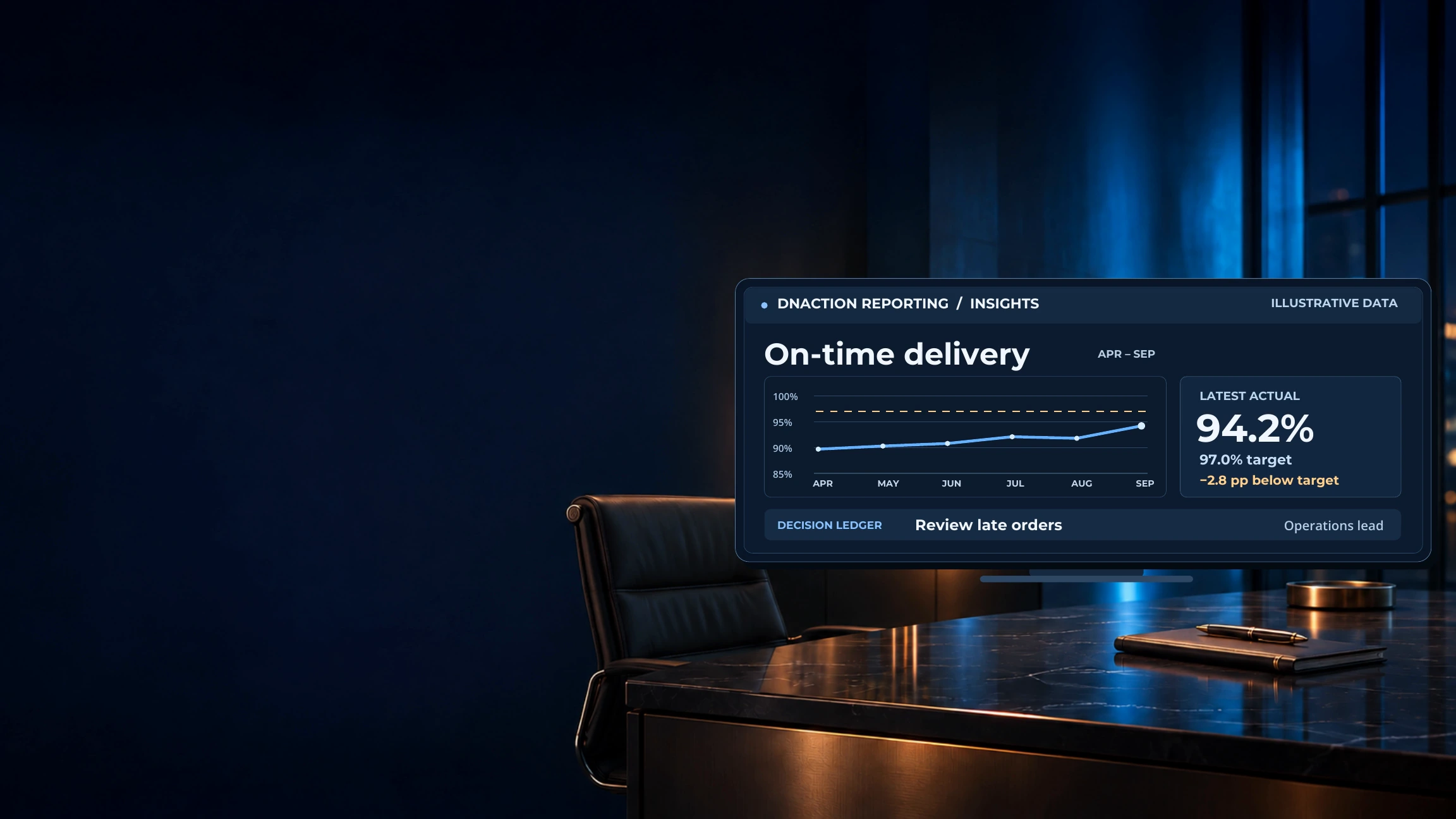
INSIDE THE PRODUCT
Explore every screen.
13 views. A clearer picture of the workflow.
Choose a screen, use the arrows, or swipe the image on mobile. These representative views use synthetic data; product availability and evaluation scope are confirmed individually.
WORKFLOW FOCUS
What it helps you do.
- Explore operational and executive report templates
- Prepare Excel and PDF reporting outputs
- Retain saved report snapshots
MEASURE THE PROGRESS
Make the outcome clear.
Time spent assembling recurring reports and the number of manual preparation steps. Define the report, source inputs, and output requirements first.
Reporting follows Data Quality in the launch sequence. Shown outputs and templates require evaluation in the agreed environment. Data sources, export requirements, and availability are confirmed individually.
LET’S PUT CLARITY TO WORK