
Inventory control
DNA Count
Know what is actually on the shelf.
Run blind counts, investigate differences, and give the team a clear path from physical counts to reconciliation.
Workflow walkthrough
The shelf count differs from the system.
Open each step to see the decision and the product screen behind it.Each step opens as you reach it. You can also open or close any step.
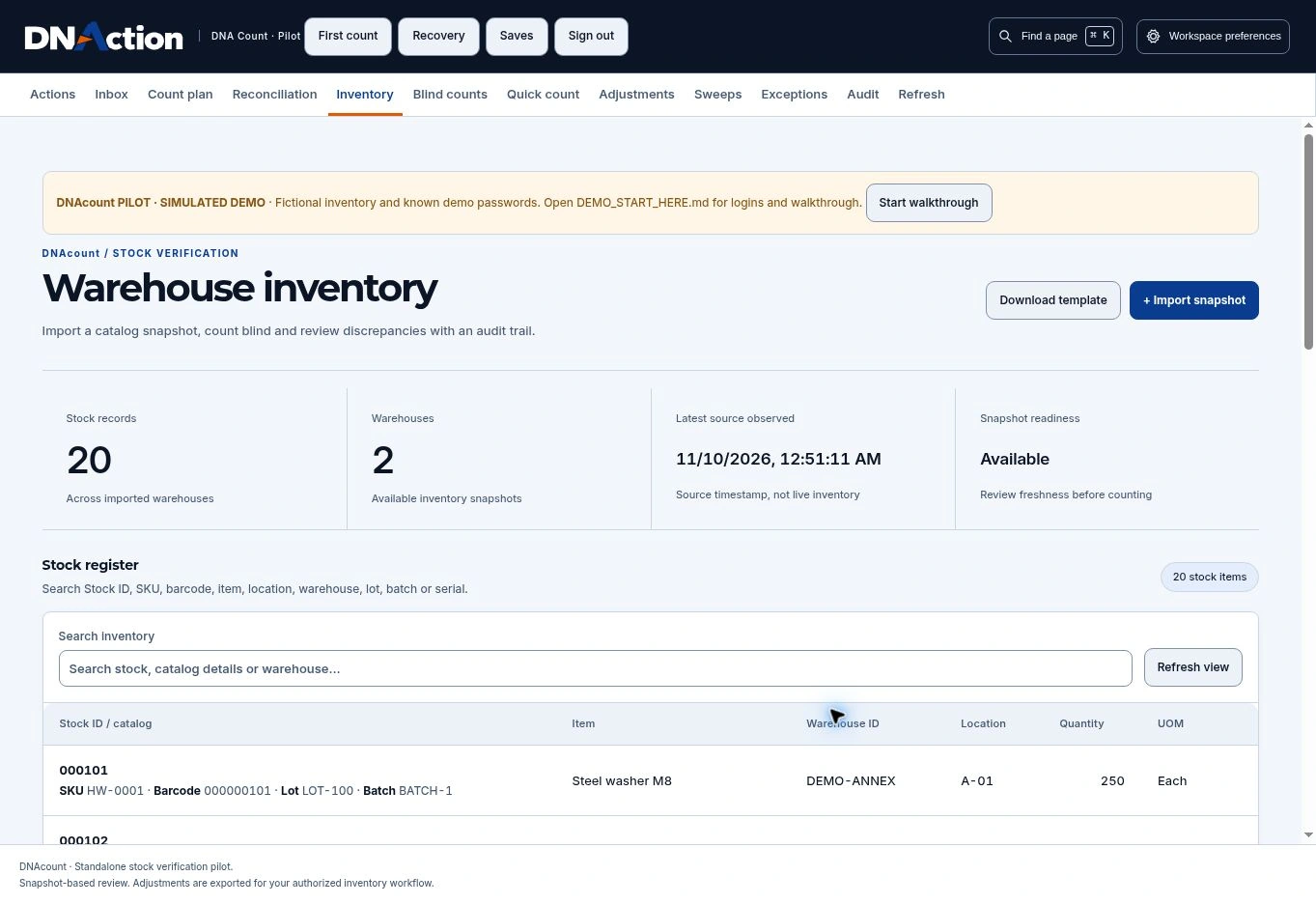
01Find the stock
Start with the item and location in the warehouse inventory.
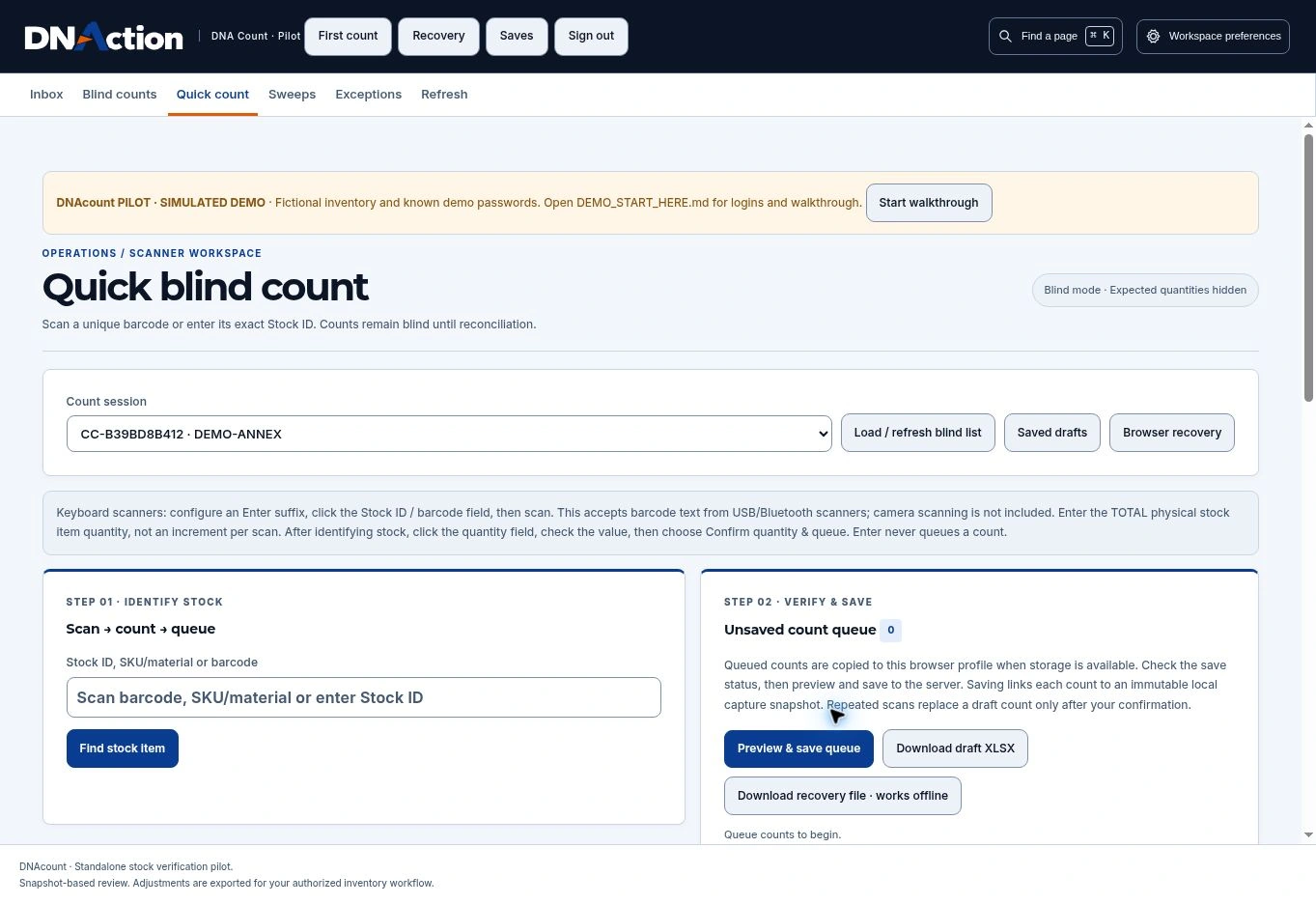
02Count what you find
Record the physical quantity in a blind count before comparing it with the system balance.
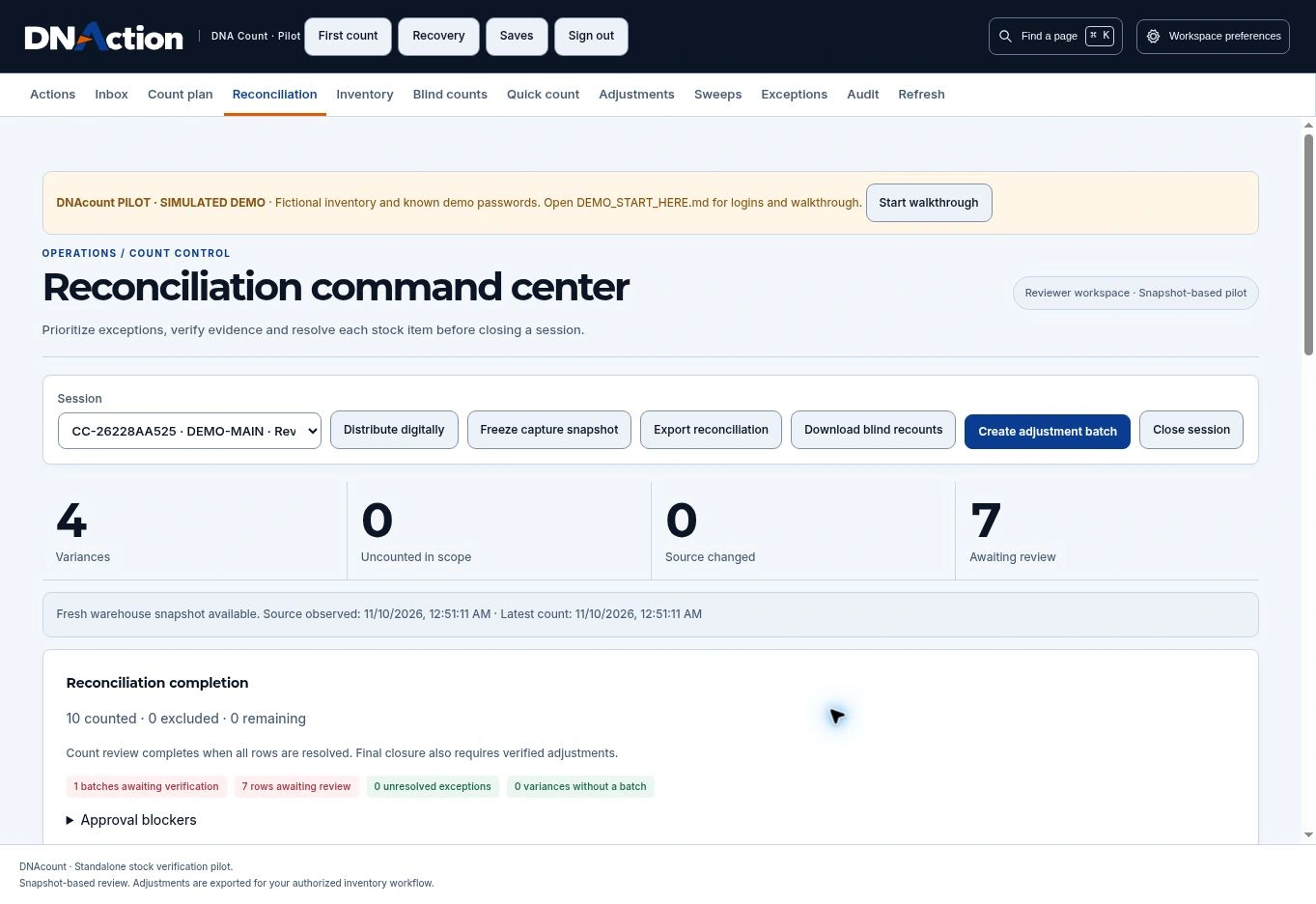
03Investigate the difference
Review the discrepancy and decide whether it needs a recount, investigation, or an authorized adjustment.
Additional interface walkthrough
This earlier recording provides more context. The screens above show the current interface.
Evaluate the fit
Start with one real example.
Bring a sample stock register, one count location, and an example of how your team handles a variance.