
Data quality
DNA Cleanse
Reliable data starts with clear rules.
Review inconsistent item records, establish naming rules, and check exceptions before a migration or reporting change.
Workflow walkthrough
Three descriptions refer to the same part.
Open each step to see the decision and the product screen behind it.Each step opens as you reach it. You can also open or close any step.
01Review the source
Identify which files and fields are authoritative before you propose a change.
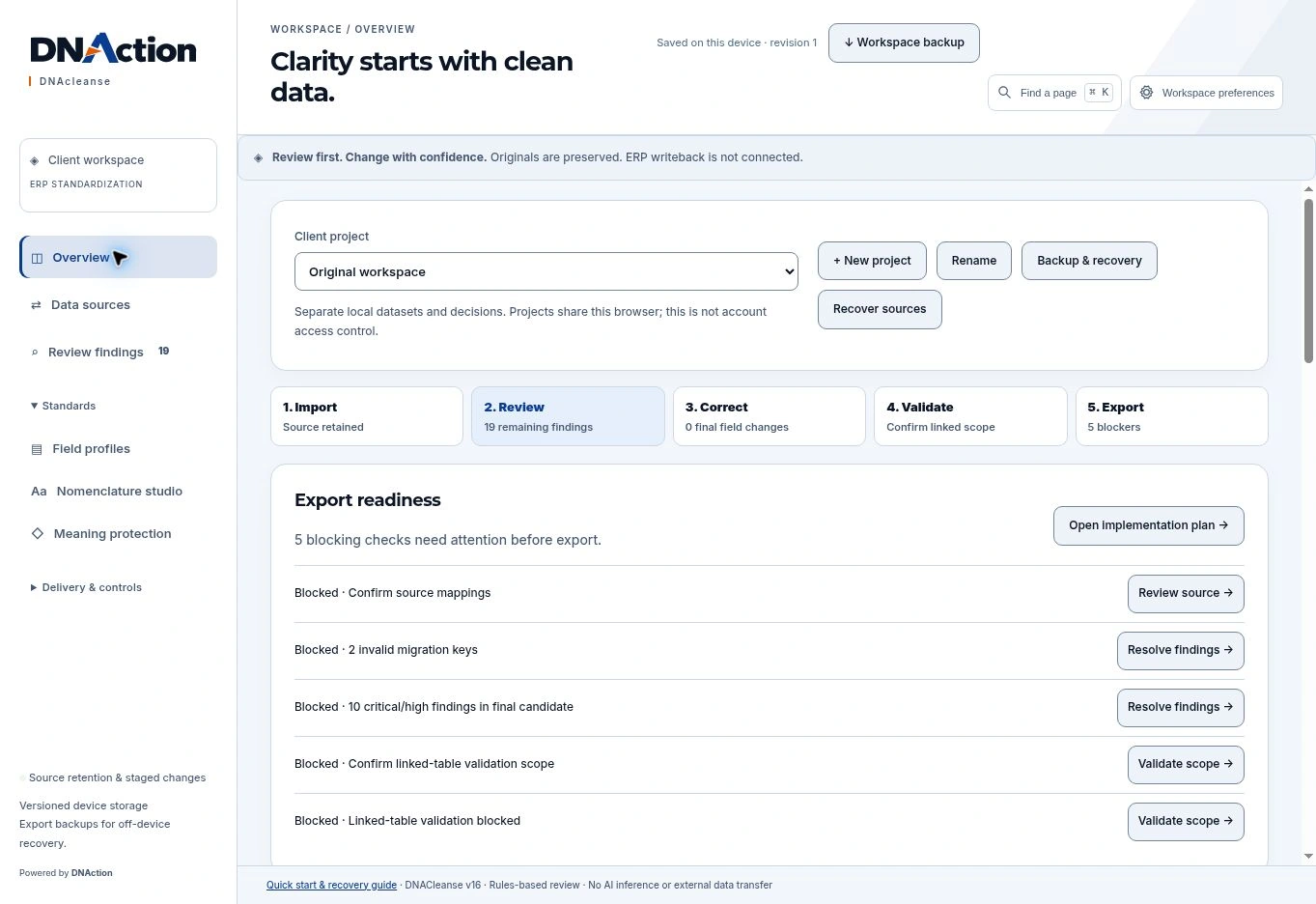
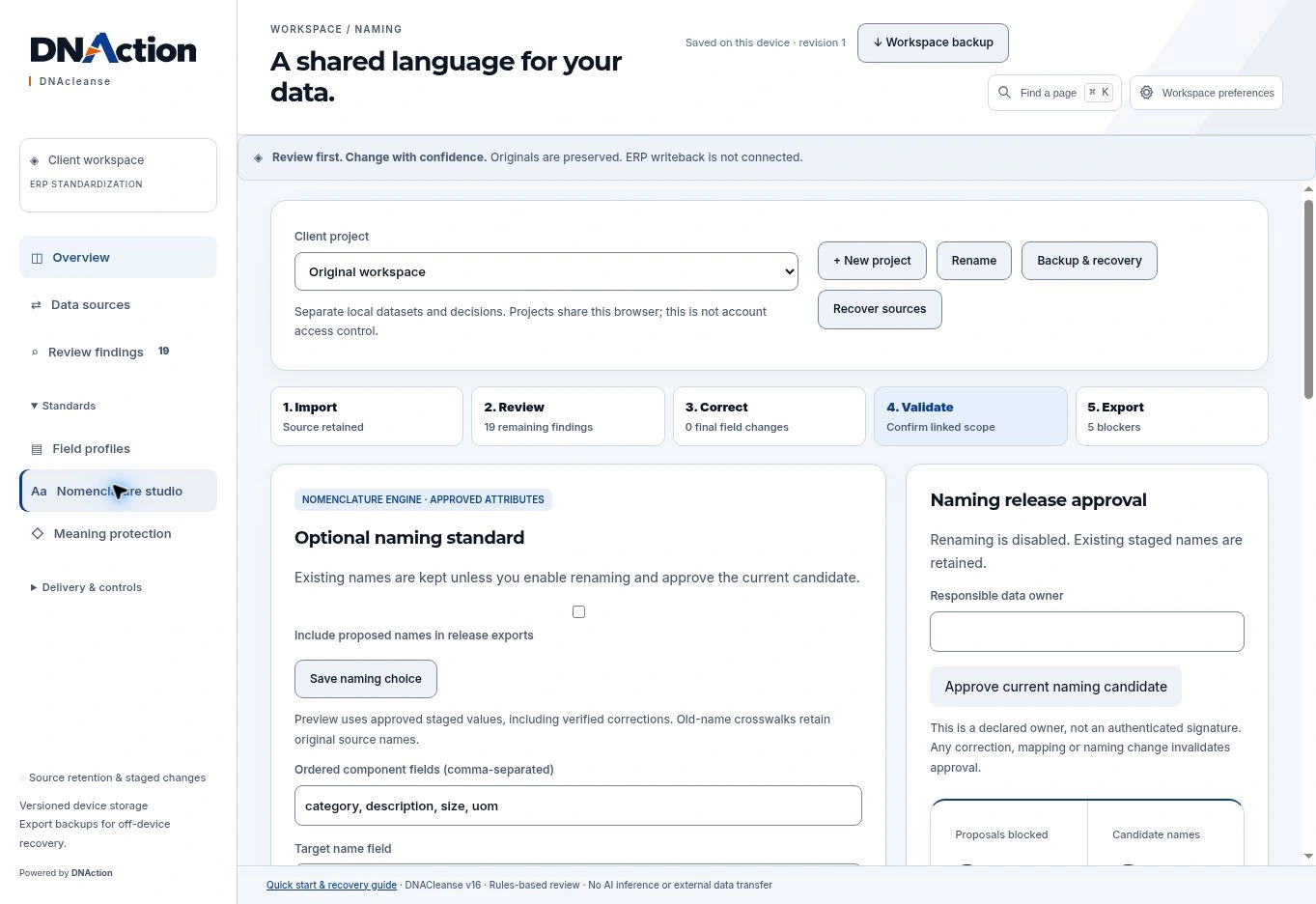
02Define the naming rule
Use the nomenclature studio to build a naming pattern from attributes your team recognizes.
03Review before export
Check unresolved findings and agree which records need another look before handing off the data.
Additional interface walkthrough
This earlier recording provides more context. The screens above show the current interface.
Evaluate the fit
Start with one real example.
Start with a representative set of item records and the system or report they feed.